Meta AI Vibes: Where Imagination Meets Artificial Intelligence
Have you ever imagined a world where you could simply describe a scene — and watch it turn into a stunning image or even a mini movie? YESSSSS! It is the Meta Vibes AI text-to-video feed wave.
Welcome to the future, where creativity shakes hands with code.
Say hello to Meta AI Vibes text-to-video tool, the latest innovation from Meta AI — a tool that doesn’t just generate images, it breathes life into them!
What Exactly Is Meta Vibes’ text-to-video tool?
Meta Vibes is Meta AI’s newest update, designed to make visual creation effortless, intelligent, and fun. Think of it as a creative assistant that understands what you want and brings it to life instantly.
This futuristic tool lets you:
Generate high-quality images from a few words.
Edit pictures — change outfits, colors, or entire scenes.
Animate static images into short videos (up to 21 seconds long!).
Use it easily on mobile or desktop, anywhere, anytime.
Behind the Magic: It’s powered by Midjourney and Black Forest Labs — two creative technology companies known for creating breathtaking AI visuals. (Think of them as the artists who teach computers to understand beauty!) This collaboration means one thing — your visuals will look incredibly realistic.
Turning Words into Moving Worlds
Here’s where it gets magical. Type a simple command like:
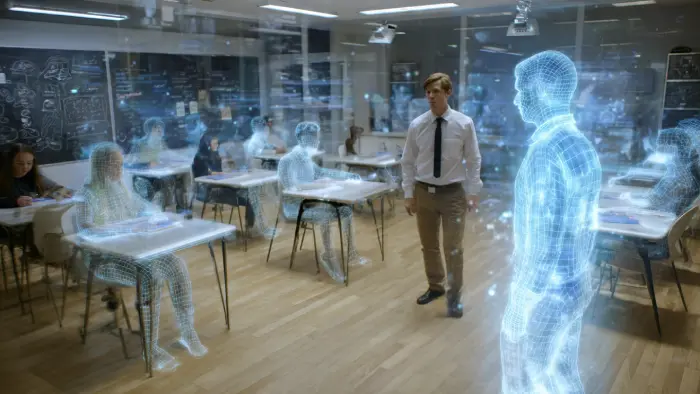
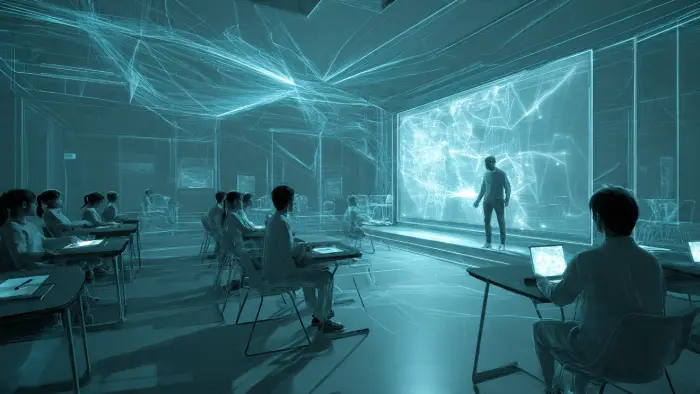
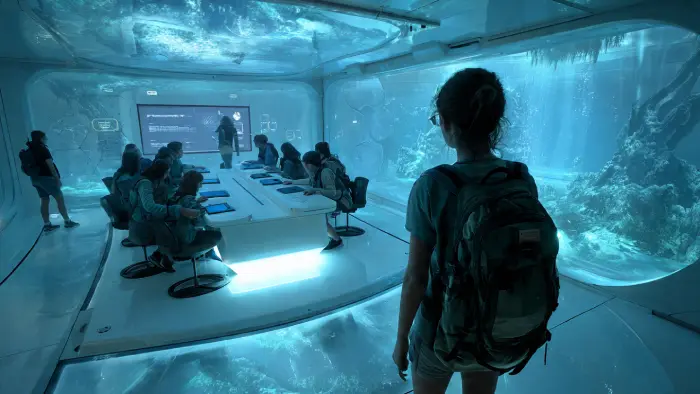
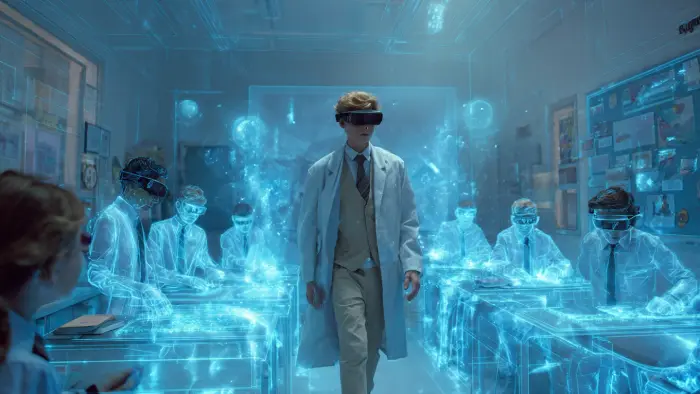
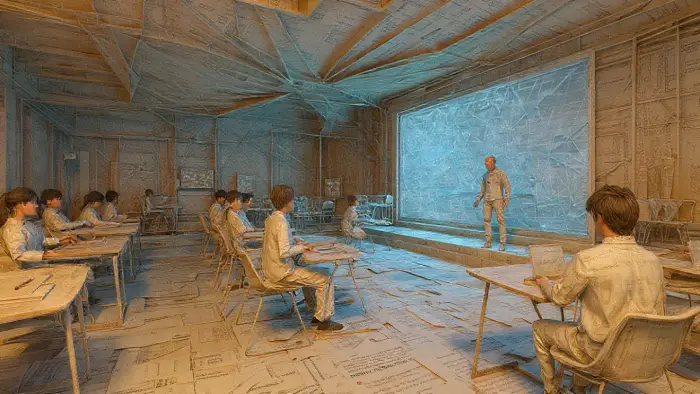
“A teacher walking through a futuristic classroom, camera zooms out showing students learning through holograms.”
And in moments, Meta Vibes turns that text into a short AI-generated video — complete with motion, consistency, and emotion. You can make your animations vertical (for Reels/TikTok) or horizontal (for YouTube). The possibilities? Endless.
Try This: Start with simple descriptions first. Instead of a super complicated scene, try: “A student studying in a cozy library with warm lighting.”
The Jaw-Dropping Feature: Change Clothes in Videos!
Yes, you read that right. Meta Vibes lets you change outfits inside a video — without reshooting it! Here’s how it works:
- Upload a short clip (8–10 seconds of you or someone else)
- Choose the outfit or color you want
- The AI magically transforms it — keeping your expressions, background, and lighting intact
This is not just fun; it’s a creative revolution. Imagine educators recording lessons once and then adapting them for different themes or moods — all with AI styling. Students could even use this for project presentations!
How to Use Meta Vibe Creator (Step-by-Step Guide)
Getting started is as easy as your morning scroll:
- Download the Meta AI app (Android or iOS)
- Log in with your Facebook account (if you don’t have one, ask a parent or use your school account)
- Select Create → Image → Animate
- Type your prompt and let AI do the rest
- Refine your video by adjusting details
- Extend your videos up to 21 seconds
You can refine, edit, and extend your videos — enough to tell a story, deliver a lesson, or share a motivational message in motion.
Device Requirements: Make sure you have a stable internet connection and at least 2GB of free storage space.
Why Educators AND Students Should Care
Meta Vibes can help teachers, trainers, and content creators to:
- Visualize abstract concepts through AI-generated clips
- Design educational reels that engage visual learners
- Explore AI as a learning partner, not a threat
For students, Meta Vibes is an amazing tool to:
- Create impressive project presentations
- Understand how AI works in real-world applications
- Express creativity in new ways
- Build skills for future careers in digital media
It’s a tool that transforms learning from reading into experiencing.
Important: Ethics & Responsible Use
As with any AI tool, here are some things to remember:
Do: Use Meta Vibes for creative, educational, and positive content
Don’t: Create fake videos of real people without permission
Remember: Always credit AI when you use it in school projects
AI is a tool — it’s only as good as the person using it. Make smart choices!
The Future Is Here — And It’s Interactive
Meta Vibes is more than a feature; it’s a glimpse of where education and creativity are heading. We’re entering an era where you don’t need expensive cameras, editing suites, or animation studios. You only need an idea — and the courage to explore it.
In the hands of educators and dreamers, Meta Vibes isn’t just an AI tool. It’s a creative equalizer — giving everyone the power to imagine, create, and inspire.
Final Thoughts: Create AI-generated images & videos for free
Whether you’re an artist, a teacher, or simply someone who loves technology, Meta Vibes invites you to step into the world of AI creativity — not as an observer, but as a creator.
Because the future doesn’t belong to those who fear AI.
It belongs to those who vibe with it.
“Have you tried Meta Vibes yet? Comment below how you’d use it in your classroom or creative project.”
BONUS: Creative Ideas for Students
- Create a video for your history project showing an important historical moment
- Make an animated book cover for your English class
- Design a science concept visualization (like planets moving or cells dividing)
- Create a motivational video for your school’s social media
- Make a funny short film with friends
- Design an advertisement for an imaginary product
- Tell a story in 15 seconds for a creative writing assignment
Remember: AI is a tool for the future. The better you understand it now, the more prepared you’ll be for tomorrow!